Uninstalling Boundless Desktop
Windows
In windows, to uninstall Boundless Desktop 1.0 core apps, libs and utilities and the symbolically linked applications and documentation, use the Uninstall Desktop shortcut available in the Boundless Desktop shortcut folder or from the start menu.
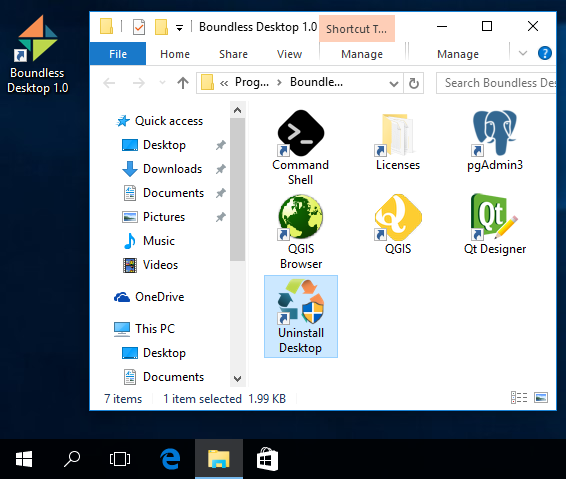
Uninstall Desktop shortcut location
Double-click the shortcut to run the uninstaller (administrator permissions are required).
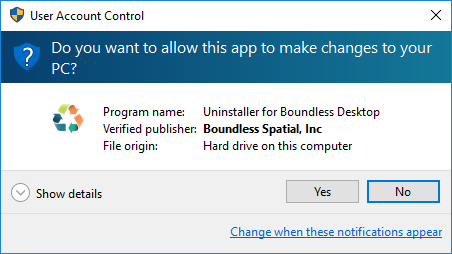
In the User Account Control dialog, click YES.
In the next dialog, press Uninstall to proceed with the uninstallation of Boundless Desktop from your computer.
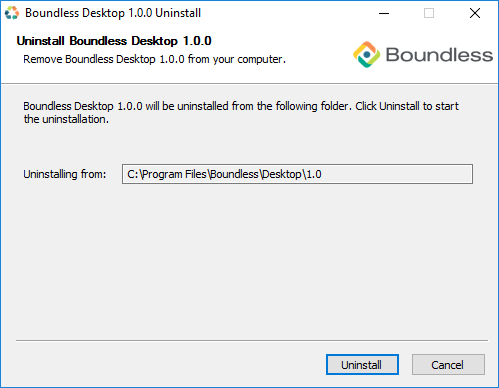
Boundless Desktop Uninstaller dialog
Once the process is finished, click Close to close the uninstaller window.
OS X
In Mac OS X, to uninstall the Boundless Desktop core apps, libs and utilities, and the symbolically linked applications and documentation, use the Uninstall Desktop shortcut available in the Boundless Desktop’s shortcuts folder (:menuselection:`Applications –> Boundless –> Desktop 1.0).
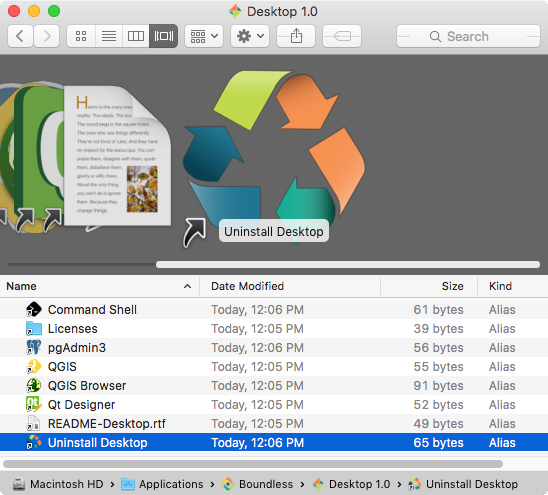
Uninstall Desktop shortcut location
Double-click the shortcut to run the uninstaller. Click Uninstall to start the uninstall procedure.
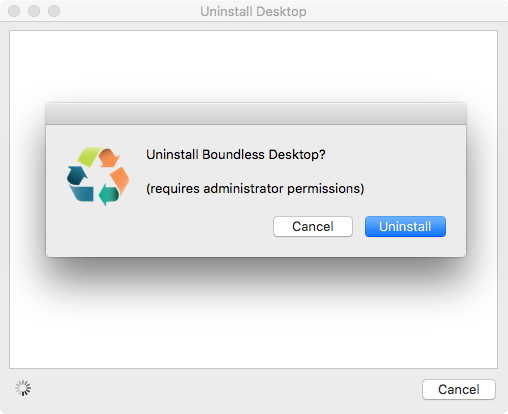
Uninstall Desktop shortcut location
Administrator permissions are required. Enter your administrator credentials to proceed with the uninstall.
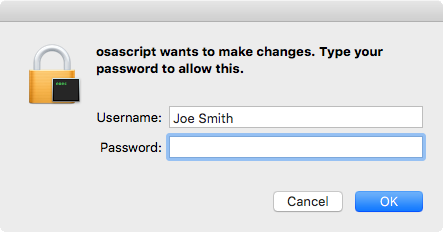
Entering administrator’s credentials
Once the uninstall is finished, a dialog will inform the user about what was removed. Click Quit to close it.
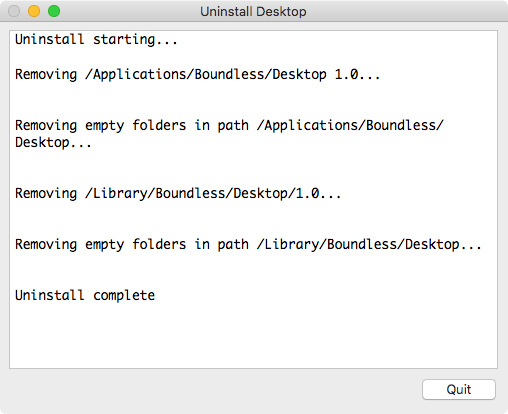
Uninstallation complete
Note
Both in Windows and Mac OS X, all user’s configuration and settings (for example, QGIS settings and plugins) will be preserved for future installations of Boundless Desktop.